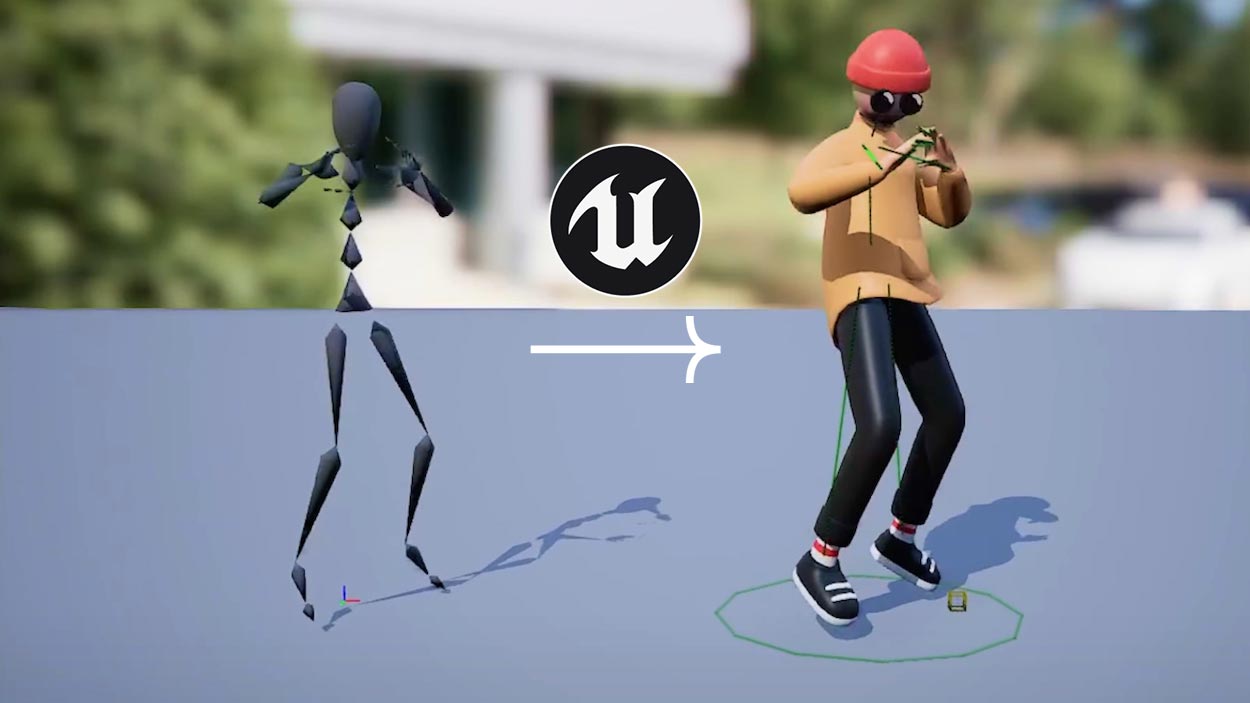
The Rokoko Device SDK now supports NVIDIA Isaac Lab 2.3.0, running on Isaac Sim 5.1.0. With our new Isaac example, Rokoko Smartgloves II work as a teleoperation device inside Isaac Lab, so you can control simulated robots with your own hands and record demonstrations, using Isaac Lab's own retargeters and tasks as they are.
TL;DR
- What's new: Rokoko Smartgloves II can now drive robots in NVIDIA Isaac Lab through the Rokoko Device SDK.
- No rework: the gloves plug in where Isaac Lab expects a hand-tracking device, so stock retargeters and teleop tasks run unchanged.
- Validated robots: a Franka arm and the Fourier GR1T2 humanoid's hands, using Isaac Lab's built-in tasks.
- Data collection: record teleoperated episodes to HDF5, ready for your robot learning pipeline.
- No cameras needed: IMU-based gloves mean no line-of-sight issues when hands overlap or grab objects.
- Access: the Device SDK is licensed. Request access and we'll send you a quote.
Why does hand tracking matter for robots in simulation?
Robots learn dexterous tasks from good human demonstrations, and simulation is where teams can collect them safely and at scale. The bottleneck is often the input: getting natural, reliable hand motion from a person into the simulated robot.
NVIDIA Isaac Lab is an open-source framework for robot learning built on NVIDIA Isaac Sim. It already includes teleoperation tasks and retargeters that map human hand poses onto robot arms and hands. What it needs is a hand-tracking device to feed them.
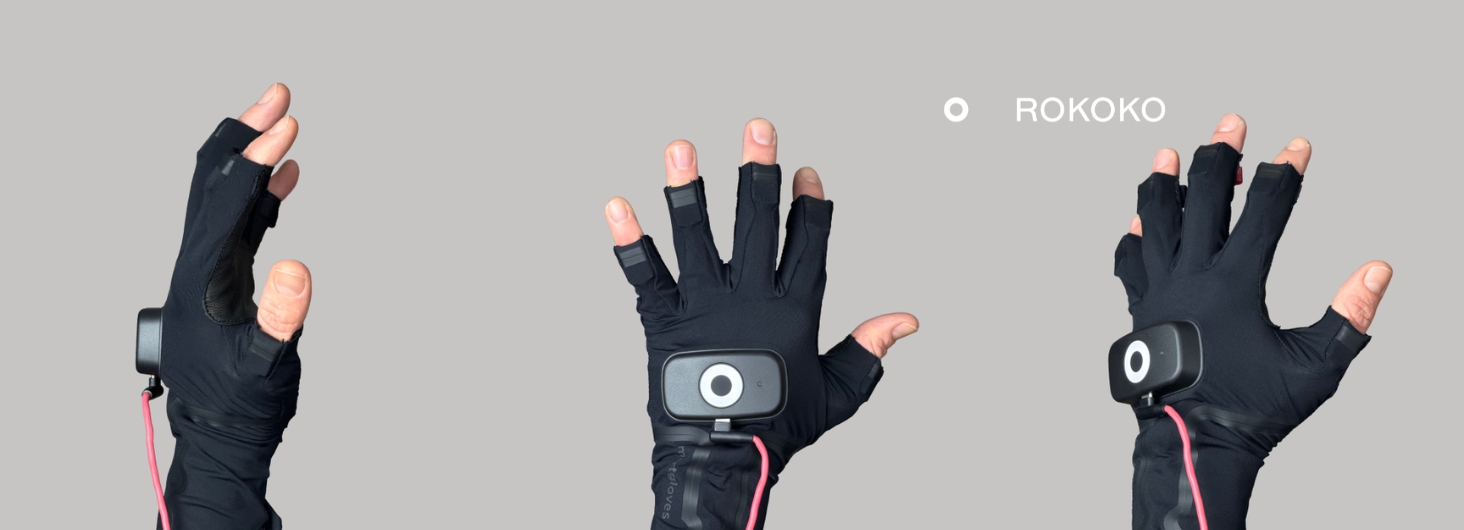
That is where we come in. Rokoko Smartgloves II are IMU-based finger tracking gloves, and the Rokoko Device SDK gives developers direct, low-latency access to their data on Windows, macOS and Linux. Because the gloves use inertial sensors rather than cameras, fingers stay tracked when hands overlap, close around an object, or move out of a camera's view.
What does the integration with NVIDIA Isaac Lab do?
The integration turns Rokoko Smartgloves into a hand-tracking input for Isaac Lab. Our hand solver processes the glove data and passes it to Isaac Lab in the same format as Isaac Lab's own OpenXR hand-tracking device. To Isaac Lab, the gloves look like the input it already expects.
In practice, that means:
- You wear the gloves and the Rokoko Device SDK streams the data.
- Our hand solver turns the raw sensor data into solved hand poses.
- Isaac Lab takes over with its own retargeting, teleoperation and recording.
The key point is what stays the same. Isaac Lab's stock retargeters and teleop tasks run without modification. Only the input device changes. You can read the full setup in our Isaac Lab example.
Who is the integration for?
The integration is built for robotics and research teams who already work in NVIDIA Isaac Lab, or plan to, and want a portable way to put human hand motion into simulation.
What you can do with it:
- Teleoperate simulated robots in real time. We validated it with Isaac Lab's Franka arm cube-stacking task and its Fourier GR1T2 humanoid pick-and-place task.
- Collect demonstration data. Record teleoperated episodes to HDF5 using a stock Isaac Lab task, with the gloves swapped in as the input.
- Work remotely from your GPU. We have run the gloves on a laptop while Isaac Lab ran on a cloud GPU.
- Scale beyond the desk. The Rokoko Device SDK runs on Linux, including Arm64 edge devices, and is part of our wider robotics offering with Smartgloves, Coil Pro and Smartsuit Pro II.
Why it matters: your team keeps the Isaac Lab workflow it already knows, and gets a hand-tracking input that sets up without cameras or a capture stage.
Rokoko SDK for NVIDIA Isaac Lab at a glance
How to get started?
Getting started takes three steps: get device SDK access, set up the gloves, and follow our Isaac Lab example.
- Request access to the Rokoko Device SDK through our robotics page. We'll send you a quote for the development license and support.
- Set up your Rokoko Smartgloves with the SDK and our hand solver, following our guide.
- Connect to Isaac Lab using our Isaac Lab example, which includes calibration, validation checks and a recording script.
Final thoughts
The Device SDK's support for NVIDIA Isaac Lab gives robotics teams a portable, camera-free way to bring human hand motion into simulation. Your Isaac Lab tasks and retargeters stay as they are. Only the input changes.
We're already working on Isaac Lab 3.0.0 support. If your team is teleoperating robots or building demonstration datasets in Isaac Lab, request SDK access and we'll help you find the right setup.

.jpg)
.jpg)