Vision 3.0 用你自己的视频,实现 AI 动作捕捉
Rokoko Vision 只需一段视频即可生成 3D 动画,无需动捕服或标记点。将视频素材上传至 Rokoko Create,在 Studio 中编辑,再导出为 FBX 或 BVH 格式。
免费开始使用,每月可处理 30 秒视频
The new rebuilt Rokoko Vision AI is now part of Rokoko Create platform.
全新重构解算器,输出更纯净
Rokoko AI 动作捕捉流程迎来底层全面升级。捕捉结果更纯净,处理速度更快,工作流程围绕创作者的真实拍摄习惯而设计。
一个生态,一站搞定
一个生态,覆盖动作创作的每个环节:通过视频或文本生成动作,在 Rokoko Studio 中精修;需要更高精度时,还可升级至专业动捕服与动捕手套。
Vision AI 现已并入 Rokoko Create
Vision 3.0 现已并入 Rokoko Create——一个基于网页的 AI 动作创作平台。这意味着视频生成动作(Video-to-Motion)与文本生成动作(Text-to-Motion)如今集中在同一平台,所有动作片段在最终导出前,都可以在 Rokoko Studio 中进行清理、编辑、重定向等更多处理。
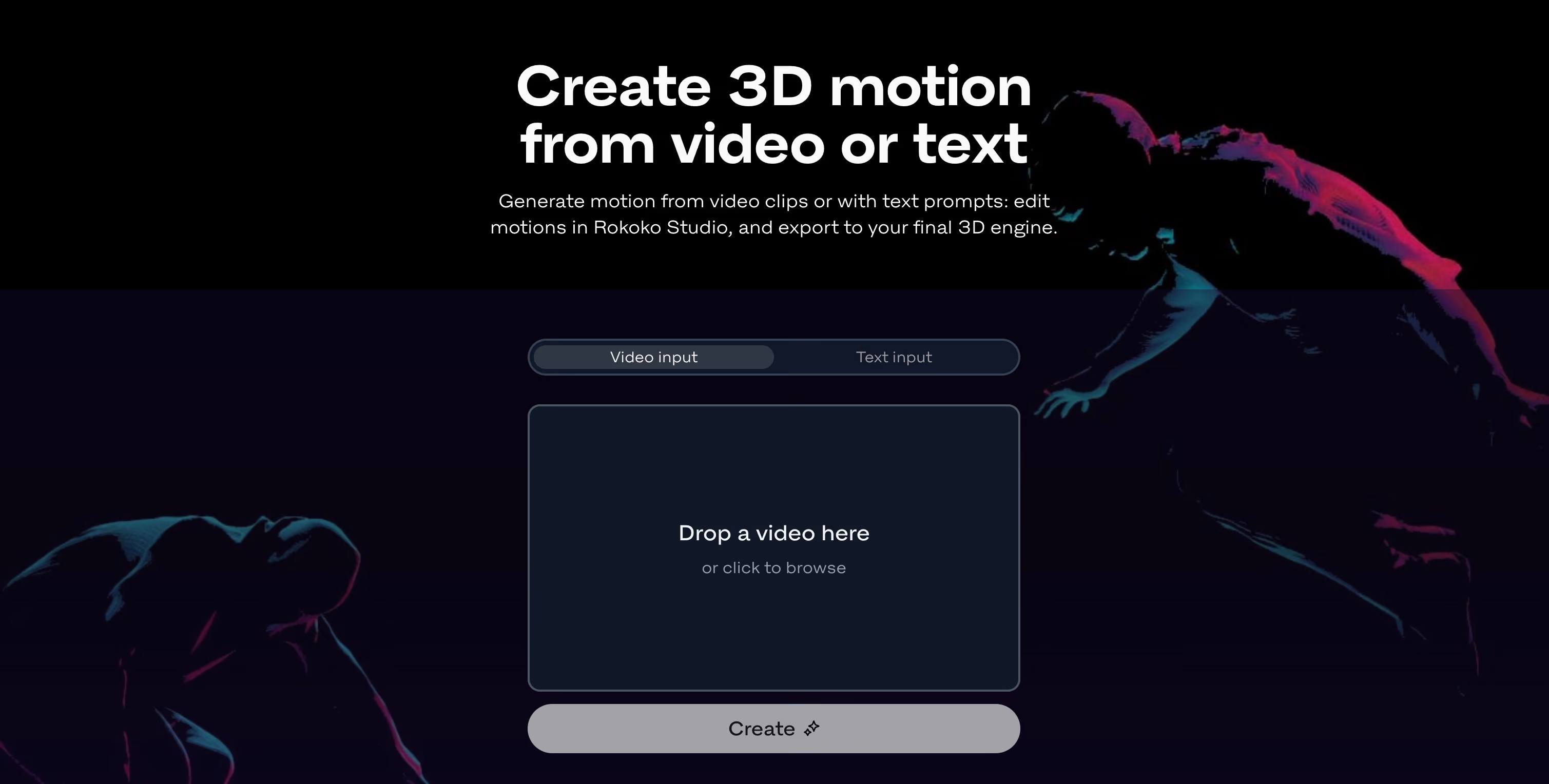

Sam from Rokoko using Rokoko Vision AI to create some high quality animations on the fly
人人可用的 AI 动捕
A simple 4-step process, start animating characters in minutes.
Get 30 seconds of processing per month for free
1. Prepare a video file
Record yourself with any camera or use any video file with a motion that you want to capture.
2. Upload your video
Drop your video file into Rokoko Create. The rebuilt AI solver processes it faster than ever.
3. Edit in Studio
Import your capture to Rokoko Studio to view, edit or loop the mocap data. Upload your own character for retargeting.
4. Export to .FBX or .BVH
Choose a skeleton (HIK, Mixamo etc.) and use the file directly in your 3D tool of choice (Blender, C4D, Unity, Unreal etc.).
Rokoko Studio plans & prices
Starter
Get started for free
free forever
What’s included:
- Record & export mocap
- Access to clean-up filters
- Export to .FBX
Rokoko Create:
- Vision AI video processing: 30s/month
- Text-to-motion clips: Unlimited
- Text-to-motion clips Studio imports: 5/month
- Cloud storage: 1 month
Most popular for Vision AI
Basic
Optimized for AI mocap
billed annually
All Starter features, plus:
- Import & retarget custom characters
- Export to .BVH
- Studio Preview: smoothing filter & loop segments
Rokoko Create:
- Vision AI video processing: 600s/month
- Text-to-motion clips: Unlimited
- Text-to-motion clips Studio imports: 100/month
- Cloud storage: Unlimited
Starter
Get started for free
free forever
What’s included:
- Record & export mocap
- Access to clean-up filters
- Export to .FBX
Rokoko Create:
- Vision AI video processing: 30s/month
- Text-to-motion clips: Unlimited
- Text-to-motion clips Studio imports: 5/month
- Cloud storage: 1 month
Most popular for Vision AI
Basic
Optimized for AI mocap
billed monthly
All Starter features, plus:
- Import & retarget custom characters
- Export to .BVH
- Studio Preview: smoothing filter & loop segments
Rokoko Create:
- Vision AI video processing: 600s/month
- Text-to-motion clips: Unlimited
- Text-to-motion clips Studio imports: 100/month
- Cloud storage: Unlimited
The most generous AI mocap plan on the market
Introducing the new Rokoko Vision AI 3.0
Faster data processing, better quality. Try it out for free.
请接受统计和营销类 Cookie 以观看此视频。
Frequently asked questions
Join our thriving Discord community to get answers to your questions and engage with other creators.
What is Rokoko Create and what’s new with Rokoko Vision AI?
Rokoko Vision 3.0 is a fundamental upgrade of Rokoko's AI motion capture pipeline. The monocular AI solver has been rebuilt from the ground up, producing much cleaner motion data than the original Vision. It now lives inside Rokoko Create, Rokoko's unified motion creation web browser-based platform, alongside Text-to-Motion. It's no longer a standalone tool - it's part of a full motion production workflow.
How does Vision 3.0 compare to competitors?
At the same monthly price, Rokoko gives you significantly more motion processing than competing tools. At $10/month, Rokoko Basic includes roughly 4 times the processing of QuickMagic and 3 times Uthana. The value gap widens at higher tiers. Beyond raw volume, Vision 3.0 is part of Rokoko Create, which also includes Text-to-Motion, motion editing in Rokoko Studio, and storage - you're not paying for a single feature, you're getting a full motion creation platform.
What file formats does Vision 3.0 export, and which 3D software does it support?
You can export your motion data as .FBX or .BVH files from Rokoko Studio, compatible with all major skeletons including UE5 Manny, HIK and Mixamo. These files work directly in Blender, Unreal Engine, Unity, Cinema 4D, Maya, Houdini, MotionBuilder, and iClone.
Does Rokoko Vision 3.0 support finger tracking?
Not at launch. Finger tracking wasn't a frequently requested feature among Vision users, so the focus for 3.0 was motion quality, processing speed, and workflow simplicity. If the community wants finger tracking, it's something we can explore in a future update. For finger capture today, the Smartgloves II remain the most accurate solution in the Rokoko ecosystem.
What happened to webcam recording and dual-camera capture?
Both have been removed. For webcam live capture: more than 90% of Vision users were already recording their footage separately and uploading it as a video file, taking time to check framing, lighting, and performance before processing. Recording first produced better results, so we built around that workflow instead. The dual-camera feature is sunset approximately 30 days after the Vision 3.0 launch as the setup is still quite cumbersome, and the data quality of the new monocular solver is actually better than the dual-cam solution. Going forward, all AI motion capture in the Rokoko ecosystem happens through video upload inside Rokoko Create.
Why buy mocap tools, like the Smartsuit and Smartgloves, if I can use Rokoko Vision?
Rokoko Vision is a great entry point in the world of motion capture, as well as a handy tool for pre-visualisation. Even though its ease of use, low price point and data quality are very appealing, there will still be many situations where robust mocap tools like the Smartsuit Pro II, Smartgloves II and Face Capture are needed, for example:
- Data quality: especially for more complex motions, inertial mocap tools, like the Smartsuit Pro II, provide higher fidelity capture.
- Occlusion: Vision AI relies on a complete view of the performer to estimate the skeleton's position. This means that occluded limbs will translate in less good tracking capabilities, either because the performer is outside of the video frame or because the position of the body of the performer makes it more difficult for the AI to make an estimate.
- Real-time vs post-processed data: with AI motion capture, post processing is needed to generate the animation file, meaning it's very hard (unless you cut some big corners) to generate the animation in real-time. This is not an issue with Rokoko's inertial mocap tools: real-time integrations are supported for all major 3D software.
- Face and finger capture: even though video based face capture solution, like Rokoko Face Capture, are possible, this is not the case yet for finger tracking: a solution like the Smartgloves II is still needed.
- Tracking space: background and lighting are important to capture a clear video (and thus a good animation), as is distance to the camera. Inertial tracking can offer more flexibility in this regard as well (the tracking area is as big as the WiFi range of your router and lighting or other environmental factors are irrelevant).
- Multiple performer recordings: today, there are no convincing AI motion capture tools that can capture more than 1 performer in the same recording. With Rokoko's inertial mocap tools however, up to 5 performer's motions can be captured at once.


