Vision 3.0 Cleaner AI motion capture, faster results
웹캠을 사용하거나 동영상을 업로드하여 움직임을 3D로 캡처하고 몇 분 만에 캐릭터에 애니메이션을 적용할 수 있습니다.
최대 15초까지 녹음할 수 있는 무제한 무료 사용
The new rebuilt Rokoko Vision AI is now part of Rokoko Create platform.
Rebuilt solver, cleaner output
A fundamental upgrade of Rokoko's AI motion capture pipeline. Cleaner captures, faster processing, and a workflow designed around how creators actually shoot.
Everything in one ecosystem
One ecosystem for every stage of motion creation: create motion from video or text, refine it in Rokoko Studio, and scale up to professional mocap suits and gloves when you need more precision.
10× more processing per dollar
10x processing speed and value for money compared to competitors. Iterate freely without rationing every take.
Vision AI is now part of Rokoko Create
Vision 3.0 is part of Rokoko Create, a web-based AI motion creation platform. That means Video-to-Motion and Text-to-Motion now live in the same place, and all clips can be cleaned, edited, retargeted and much more in Rokoko Studio before final export.
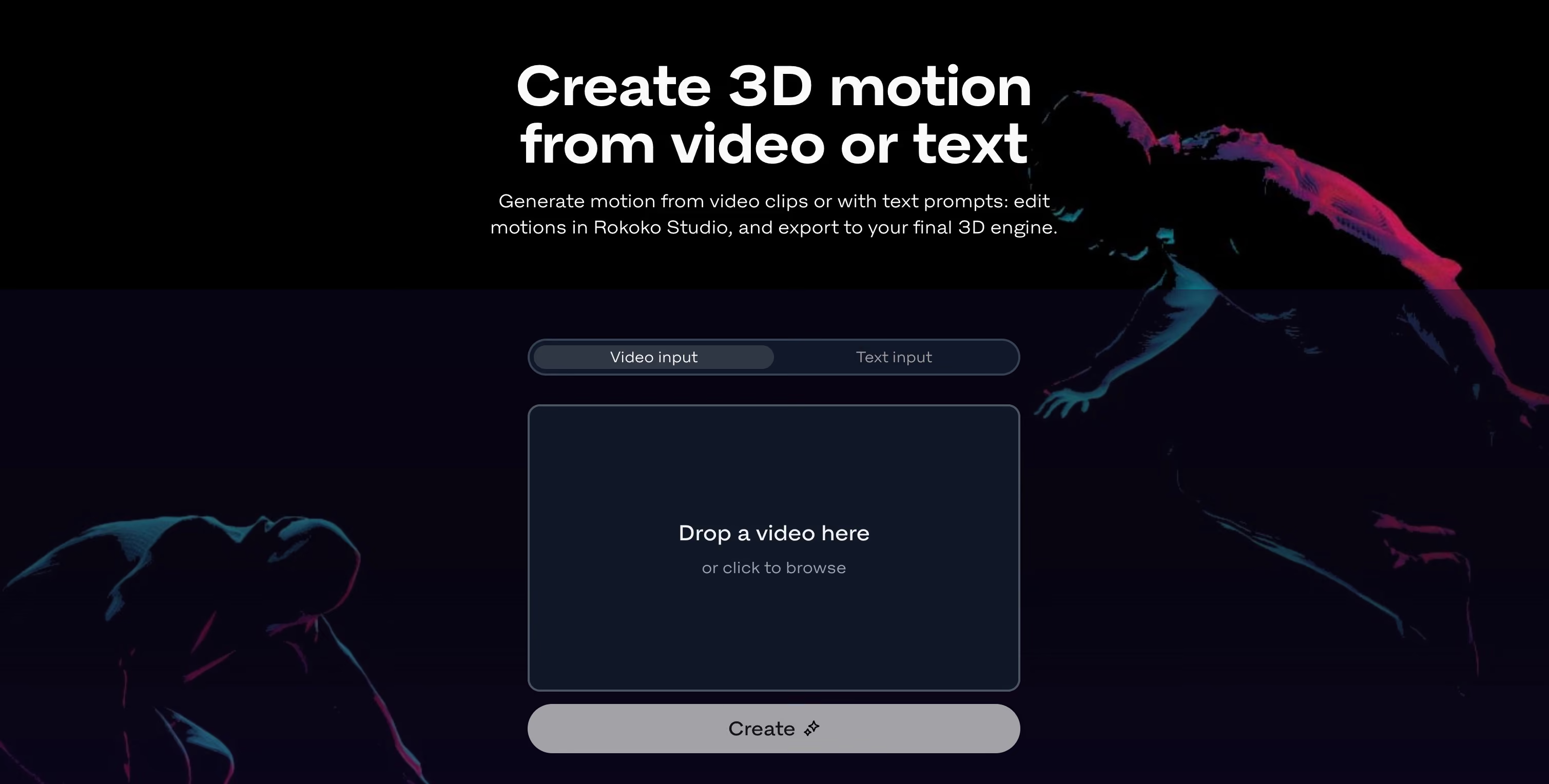

Sam from Rokoko using Rokoko Vision AI to create some high quality animations on the fly
웹캠 사용...
Record yourself with any camera or use any video file with a motion that you want to capture.
스튜디오에서 모캡 데이터 보기
Drop your video file into Rokoko Create. The rebuilt AI solver processes it faster than ever.
... 또는 비디오 파일 업로드
미리 녹화한 영상을 업로드하세요.피사체의 신체 움직임을 선명하게 볼 수 있는 한 모캡 캡쳐가 가능합니다.Rokoko Studio to view, edit or loop the mocap data. Upload your own character for retargeting.
.FBX 또는 .BVH로 내보내기
스켈레톤 (HIK, Mixamo 등) 을 선택하고 선택한 3D 도구 (블렌더, C4D, 유니티, 언리얼 등) 에서 파일을 직접 사용하십시오.
Rokoko Studio plans & prices
Starter
Get started for free
free forever
What’s included:
- Record & export mocap
- Access to clean-up filters
- Export to .FBX
Rokoko Create:
- Vision AI video processing: 30s/month
- Text-to-motion clips: Unlimited
- Text-to-motion clips Studio imports: 5/month
- Cloud storage: 1 month
Most popular for Vision AI
Basic
Optimized for AI mocap
billed annually
All Starter features, plus:
- Import & retarget custom characters
- Export to .BVH
- Studio Preview: smoothing filter & loop segments
Rokoko Create:
- Vision AI video processing: 600s/month
- Text-to-motion clips: Unlimited
- Text-to-motion clips Studio imports: 100/month
- Cloud storage: Unlimited
Starter
Get started for free
free forever
What’s included:
- Record & export mocap
- Access to clean-up filters
- Export to .FBX
Rokoko Create:
- Vision AI video processing: 30s/month
- Text-to-motion clips: Unlimited
- Text-to-motion clips Studio imports: 5/month
- Cloud storage: 1 month
Most popular for Vision AI
Basic
Optimized for AI mocap
billed monthly
All Starter features, plus:
- Import & retarget custom characters
- Export to .BVH
- Studio Preview: smoothing filter & loop segments
Rokoko Create:
- Vision AI video processing: 600s/month
- Text-to-motion clips: Unlimited
- Text-to-motion clips Studio imports: 100/month
- Cloud storage: Unlimited
The most generous AI mocap plan on the market
Introducing the new Rokoko Vision AI 3.0
Faster data processing, better quality. Try it out for free.
Please accept Statistical and Marketing cookies to watch this video.
자주 묻는 질문
활발한 Discord 커뮤니티에 참여하여 질문에 대한 답변을 얻고 Rokoko Vision으로 캐릭터에 애니메이션을 적용하는 다른 크리에이터들과 교류하세요.
캡처 품질 최적화를 위한 팁
Rokoko Vision 3.0 is a fundamental upgrade of Rokoko's AI motion capture pipeline. The monocular AI solver has been rebuilt from the ground up, producing much cleaner motion data than the original Vision. It now lives inside Rokoko Create, Rokoko's unified motion creation web browser-based platform, alongside Text-to-Motion. It's no longer a standalone tool - it's part of a full motion production workflow.최상의 캡처 품질을 얻으려면 다음 단계를 따르십시오.
로코코 비전 사용법은 어디서 배울 수 있나요?
At the same monthly price, Rokoko gives you significantly more motion processing than competing tools. At $10/month, Rokoko Basic includes roughly four times the processing of QuickMagic and seven times Uthana. The value gap widens at higher tiers. Beyond raw volume, Vision 3.0 is part of Rokoko Create, which also includes Text-to-Motion, motion editing in Rokoko Studio, and storage - you're not paying for a single feature, you're getting a full motion creation platform.
단계별 가이드 및 자습서를 찾을 수 있습니다. .저희 숙소로 가실 수도 있습니다. 당사 및 커뮤니티의 다른 크리에이터와 직접 소통하기What file formats does Vision 3.0 export, and which 3D software does it support?
You can export your motion data as .FBX or .BVH files from Rokoko Studio, compatible with all major skeletons including UE5 Manny, HIK and Mixamo. These files work directly in Blender, Unreal Engine, Unity, Cinema 4D, Maya, Houdini, MotionBuilder, and iClone.모션을 캡처하고 클립을 트리밍한 후 '애니메이트'를 클릭하여 데이터 처리를 시작할 수 있습니다.일반적으로 데이터 10초마다 처리하는 데 약 30~40초가 걸립니다.하지만 때로는 서버 부하에 따라 시간이 조금 더 걸릴 수도 있습니다.
Rokoko Vision 듀얼 카메라가 단일 카메라보다 더 정확한 이유는 무엇입니까?
Not at launch. Finger tracking wasn't a frequently requested feature among Vision users, so the focus for 3.0 was motion quality, processing speed, and workflow simplicity. If the community wants finger tracking, it's something we can explore in a future update. For finger capture today, the Smartgloves II remain the most accurate solution in the Rokoko ecosystem.듀얼 카메라 입력을 사용하면 AI 시스템이 단일 카메라 입력보다 움직임을 더 잘 재구성할 수 있습니다. 깊이를 더 잘 추정하고 연기자의 신체를 항상 더 선명하게 볼 수 있기 때문입니다 (오클루전 감소).단일 카메라는 무료이며, 듀얼 카메라는 14일 동안 무료로 체험할 수 있습니다. 이후 는 필수입니다.
어떤 카메라와 웹캠이 로코코 비전과 호환되나요?
Both have been removed. For webcam live capture: more than 90% of Vision users were already recording their footage separately and uploading it as a video file, taking time to check framing, lighting, and performance before processing. Recording first produced better results, so we built around that workflow instead. The dual-camera feature is sunset approximately 30 days after the Vision 3.0 launch as the setup is still quite cumbersome, and the data quality of the new monocular solver is actually better than the dual-cam solution. Going forward, all AI motion capture in the Rokoko ecosystem happens through video upload inside Rokoko Create.카메라 요구 사항은 Rokoko Vision에서 싱글 캠을 사용하는지 듀얼 캠을 사용하는지에 따라 약간 다릅니다.필요한 모든 정보는 당사에서 찾을 수 있습니다.
로코코 비전을 사용할 수 있다면 스마트수트 프로 II와 스마트글러브와 같은 관성 모캡 도구를 사는 이유는 무엇일까요?
Rokoko Vision은 모션 캡처 분야의 훌륭한 진입점일 뿐만 아니라 사전 시각화를 위한 편리한 도구입니다.사용 편의성, 무료 가격 및 데이터 품질이 매우 매력적이지만, 여전히 다음과 같은 강력한 모캡 도구가 필요한 상황이 많이 있을 것입니다. 스마트수트 프로 II, 스마트 글러브 과 페이스 캡쳐 필요합니다. 예를 들면 다음과 같습니다.
- 데이터 품질: 특히 더 복잡한 모션, 관성 모션 캡처 도구 (예: 스마트수트 프로 II, 더 높은 충실도의 캡처를 제공합니다.
- 오클루전: 인공지능은 연기자의 전체 시야를 바탕으로 스켈레톤의 위치를 추정합니다.이는 연기자가 비디오 프레임 밖에 있거나 연기자의 신체 위치 때문에 인공지능이 추정하기 어렵기 때문에 가려진 팔다리의 트래킹 성능이 떨어진다는 뜻입니다.Rokoko Vision 듀얼 카메라가 센서 기반 모캡을 사용하면 이러한 문제를 크게 완화할 수 있지만, 이는 전혀 문제가 되지 않습니다 (실제로 고급 프로덕션에서도 관성 모캡으로 전환하는 주요 이유 중 하나입니다.
- 실시간 데이터와 후처리 데이터 비교: AI 모션 캡처를 사용하면 포스트 프로세싱이 무겁지만 애니메이션 파일을 생성하는 데 필요합니다. 즉, 애니메이션을 실시간으로 생성하기가 매우 어렵습니다 (큰 부분을 자르지 않는 한).이는 Rokoko의 관성 모션 캡처 툴에서는 문제가 되지 않습니다.실시간 통합 모든 주요 3D 소프트웨어에서 지원됩니다.
- 얼굴 및 손가락 캡처: 비디오 기반 얼굴 캡처 솔루션에도 불구하고 로코코 페이스 캡쳐가능하지만 핑거 트래킹의 경우에는 아직 그렇지 않습니다. 다음과 같은 솔루션이 있습니다. 스마트 글러브 여전히 필요합니다.
- 추적 공간: 카메라까지의 거리와 마찬가지로 선명한 비디오 (따라서 좋은 애니메이션) 를 캡처하려면 배경과 조명이 중요합니다.관성 트래킹은 이러한 측면에서도 더 많은 유연성을 제공할 수 있습니다 (추적 영역은 라우터의 WiFi 범위만큼 크고 조명 또는 기타 환경 요인은 무관합니다).
- 여러 명의 연주자 레코딩: 오늘날에는 동일한 레코딩에서 두 명 이상의 연주자를 캡처할 수 있는 설득력 있는 A.I. 모션 캡처 도구는 없습니다.와 하지만 한 번에 최대 5개의 수행자 모션을 캡처할 수 있습니다.


