Headcam Lightest professional face capture camera
Ultra-lightweight head-mounted camera for real-time face capture.
Works seamlessly with MetaHuman Animator.
Refund guarantee: risk-free 30-day trial
Sam from Rokoko streaming the Headcam's face capture data to MetaHuman Animator.






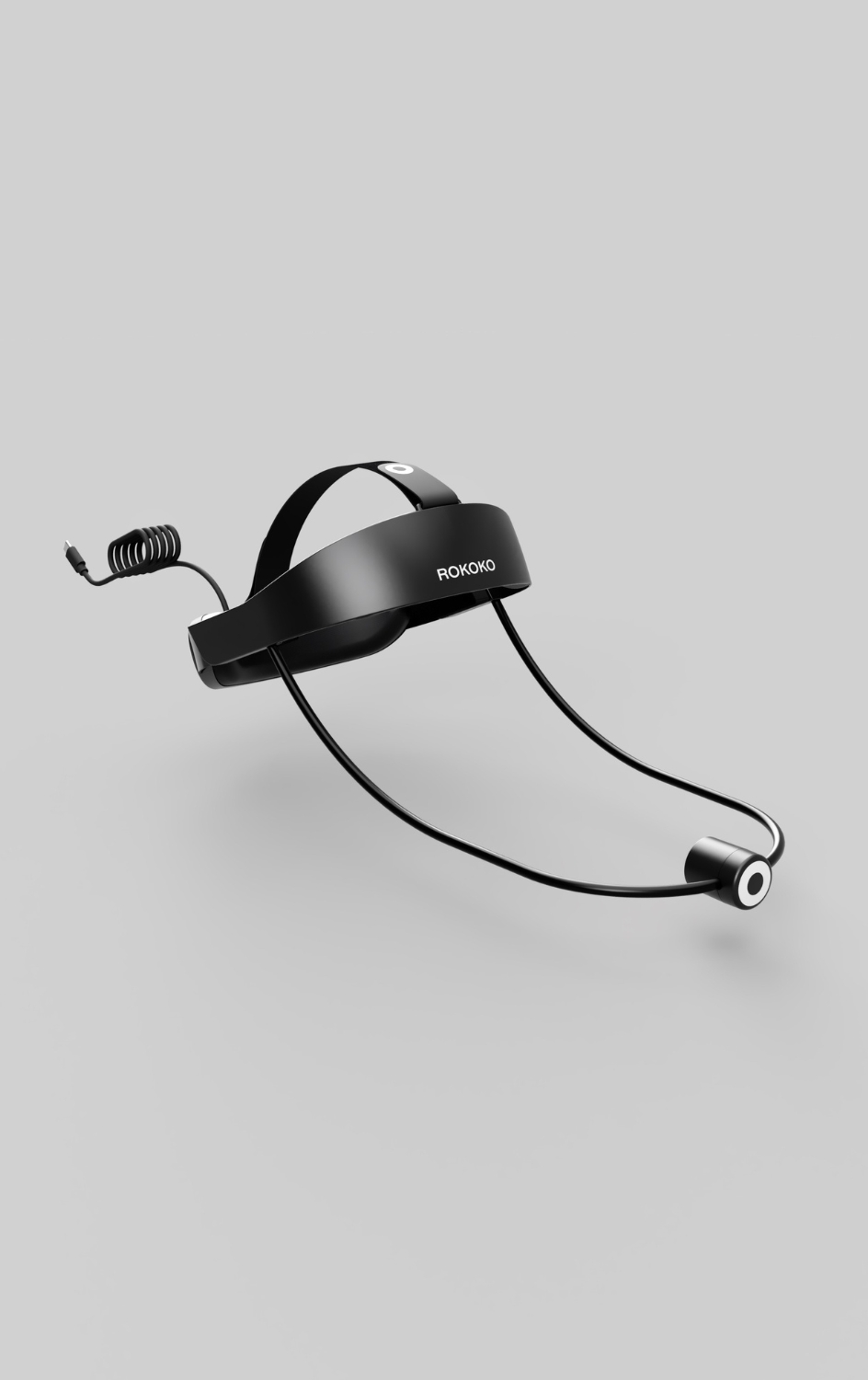
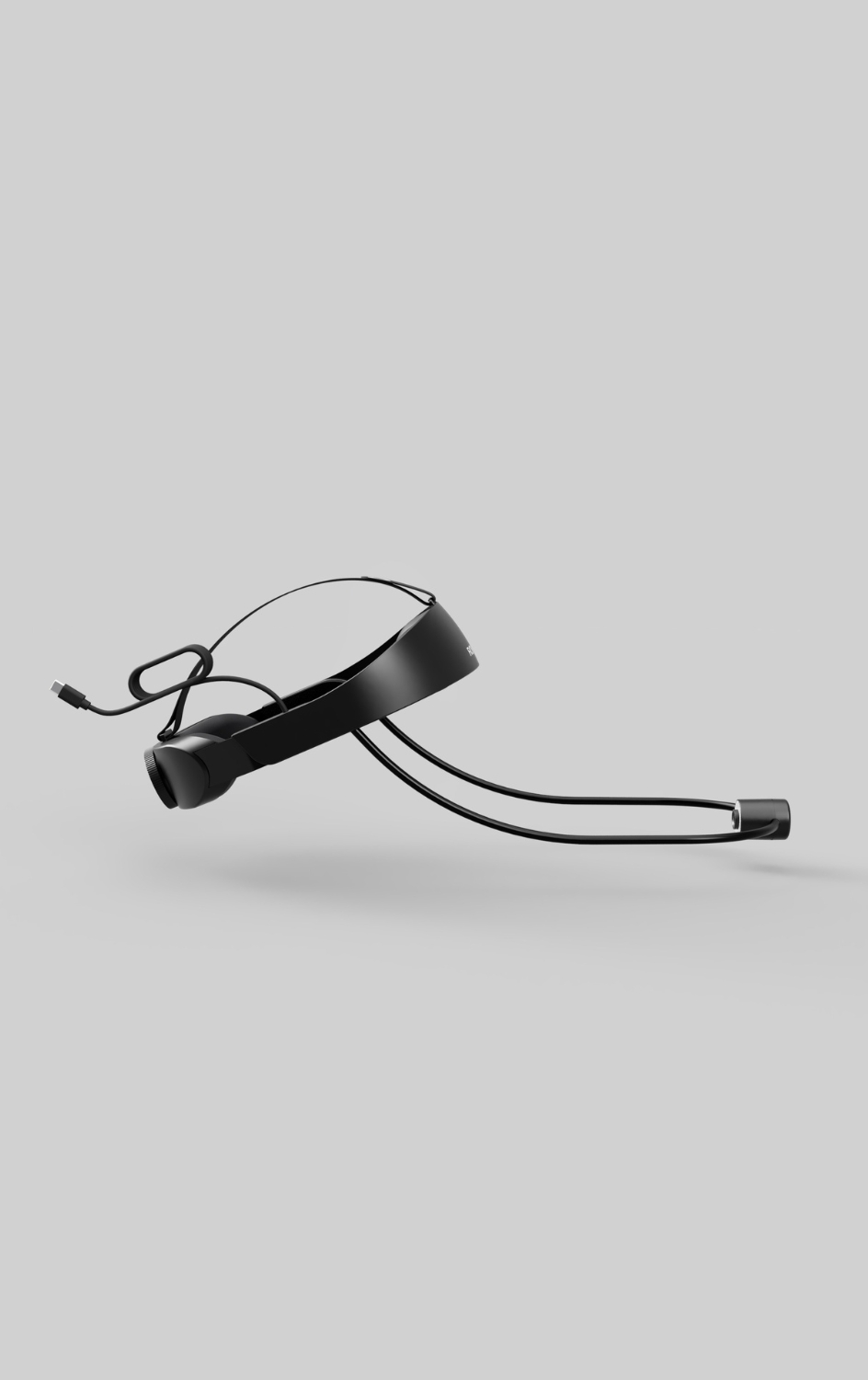
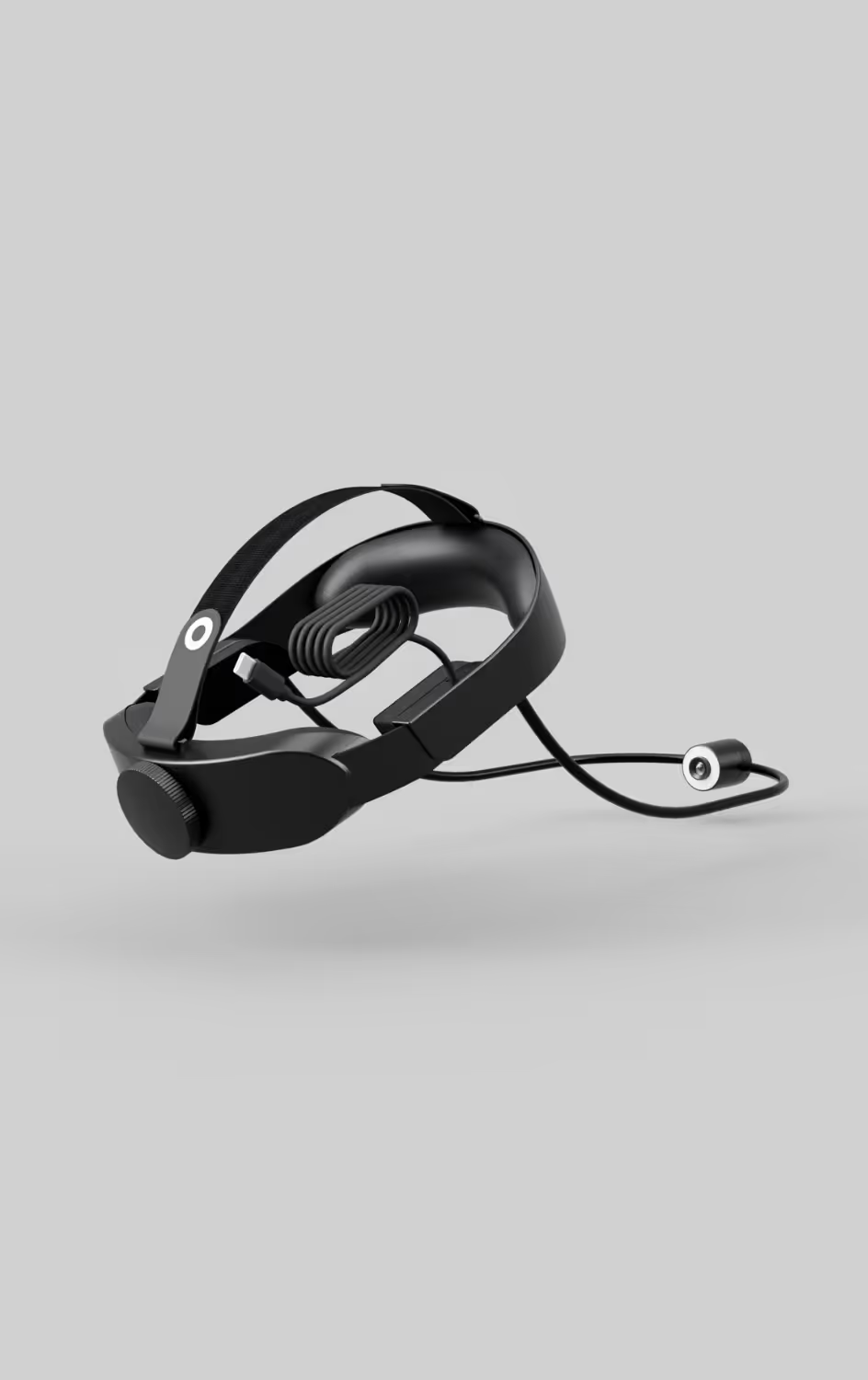
Studio-grade face capture experience
Rokoko Headcam is system-agnostic and syncs seamlessly with Smartsuit Pro II and Smartgloves for real-time full-body animation.
- Lightweight head-mounted camera
- High-resolution 60 fps camera
- Built-in microphone & dimmable LED lights
- USB-C port
- Compatible with Windows, macOS & Android
Tutorial on how to use Headcam with MetaHuman Animator.
Headcam and MetaHuman Animator
Get started in minutes with our wearable, head-mounted camera and MetaHuman Animator.

30일 평가판 및 환불 보장

전 세계 배송 추적

12회 결제 (미국)

전담 지원 팀
로코코 크리에이티브 디렉터 샘 라자루스 (Sam Lazarus) 가 로코코 스튜디오와 연결된 새로운 안드로이드 페이스 캡처 앱 솔버 덕분에 헤드캠의 얼굴 캡처 데이터를 언리얼 엔진으로 스트리밍하고 있습니다.
새로운 안드로이드 페이스 캡처 앱과의 원활한 통합
Headcam은 단독으로 실시간 비디오에 사용하거나 Android Face Capture 앱에 연결하여 다음과 원활하게 통합할 수 있습니다. 로코코 스튜디오 실시간 캡처, 리타겟팅 및 스트리밍 우리의 플러그인 통합.Android 솔버는 기본적인 얼굴 표정에 적합하며 정밀도를 높이기 위해 지속적으로 개선되고 있습니다.
환불 보장: 위험 부담 없는 30일 평가판
워크플로에 구애받지 않는 모캡 디바이스
컴퓨터에 연결
Headcam은 워크플로에 구애받지 않도록 설계되었습니다. PC, macOS 또는 Android 시스템에 연결하고 원하는 워크플로를 선택할 수 있습니다.
아큐페이스와 통합
헤드캠은 기본적으로 리얼루전 AccuFace 앱과 함께 작동합니다.
아이클론 8의 힘
AccuFace에서 iClone 8로 직접 얼굴 모션 캡처 데이터를 스트리밍하고 실시간 얼굴 편집 및 스무딩 도구를 활용하세요.

컴퓨터에 연결
Headcam은 워크플로에 구애받지 않도록 설계되었습니다. PC, macOS 또는 Android 시스템에 연결하고 원하는 워크플로를 선택할 수 있습니다.
AAA 페이셜 모션 캡처
전 세계 스튜디오에서 신뢰하는 Faceware 에코시스템을 활용하세요.
실시간 및 오프라인 도구
Faceware Portal, Studio, Analyzer 및 리타게터 툴은 UE 및 Unity로의 라이브 스트리밍을 포함한 모든 프로덕션 시나리오를 다룹니다.
컴퓨터에 연결
Headcam은 워크플로에 구애받지 않도록 설계되었습니다. PC, macOS 또는 Android 시스템에 연결하고 원하는 워크플로를 선택할 수 있습니다.
클래식 V튜빙 기능
헤드캠은 VSEeFace에 원활하게 통합되며 VRoid 모델과 기본적으로 작동합니다.
오클루전 문제 없음
헤드캠을 사용하면 웹캠이 얼굴을 추적하지 못할까봐 걱정하지 않아도 됩니다.
Connect to your computer
The Headcam is designed to be workflow-agnostic: connect to a PC, macOS or Android system and choose your preferred workflow.
AAA facial motion capture
Tap into the Faceware ecosystem, trusted by studios around the globe.
Real-time and offline tools
Faceware Portal, Studio, Analyzer and Retargeter tools have every production scenario covered, including streaming live to UE and Unity.


자주 묻는 질문
원하는 것을 찾을 수 없나요?sales@rokoko.com 으로 이메일을 보내주세요
헤드릭과 헤드캠의 차이점은 무엇인가요?
헤드리그는 iPhone을 얼굴 앞에 장착하여 Apple의 ARKit을 사용하여 얼굴 움직임을 캡처합니다.하지만 헤드캠에는 자체 카메라, 밝기 조절이 가능한 LED 조명, 마이크가 내장되어 있습니다.다른 솔버와 함께 사용할 수 있는 실시간 비디오 피드를 제공하거나 Android Face Capture 앱과 연결하여 Rokoko Studio에 직접 실시간 얼굴 움직임을 캡처할 수 있습니다.
헤드캠을 사용하려면 페이스 캡처 애드온이 필요한가요?
The Headcam does not require a Rokoko Studio subscription to be used with MetaHuman Animator or other 3rd party tools. It is free to be used as a USB-C camera for any purpose.
If you are using it with Rokoko’s own face capture solver or use premium features in Rokoko Studio, you will need to go on a paid plan.아니요, Headcam의 다이렉트 비디오 피드를 사용하기 위해 Face Capture 애드온이 필요하지 않습니다.웹캠처럼 헤드캠을 컴퓨터에 연결할 수 있습니다.하지만 Face Capture 애드온을 사용하면 안드로이드 폰을 사용하여 얼굴 움직임을 Rokoko Studio에 직접 동기화할 수 있습니다.로코코 페이스 캡처 앱을 사용해야 하는 이유는 무엇인가요?
No, the camera is agnostic and will work as a USB-C camera with any device that supports that.로코코 페이스 캡처 앱을 사용하면 Smartsuit Pro II 및 Smartgloves와 함께 사용하면 로코코 스튜디오에 직접 동기화하여 전신 퍼포먼스 캡처를 통해 실시간 얼굴 움직임을 캡처할 수 있습니다.플러그인을 사용하여 로코코 스튜디오에서 3D 엔진으로 스트리밍할 수도 있습니다.
헤드캠을 사용하려면 안드로이드 폰이 필요한가요?
Face Capture 앱에는 Android 휴대폰이 필요하지만 포함된 USB 케이블을 사용하여 헤드캠을 컴퓨터에 연결하여 웹캠처럼 카메라 입력으로 사용할 수도 있습니다.
헤드캠은 어떤 머리 사이즈에 맞나요?
헤드캠은 조절 가능하고 쿠션 처리된 마운트가 있어 어떤 머리 크기에도 단단히 맞습니다.
Sam은 Reallusion의 AccuFace에 헤드캠이 기본적으로 통합되어 있는 것을 가지고 놀고 있습니다.


