Rokoko Create Create new motion clips with text
A new web-app that turns text-based prompts into 3D character motions.
All in your browser.
Create new 3D motion clips with text-based prompts in your browser.
Prompt it like
it's hot 🔥
Generate unique 3D motions like idles, walks, runs with text-based prompts and add the clips to your project.
Edit clips in Studio
All generated clips can be edited in Rokoko Studio, and added to your overall mocap project workflow.
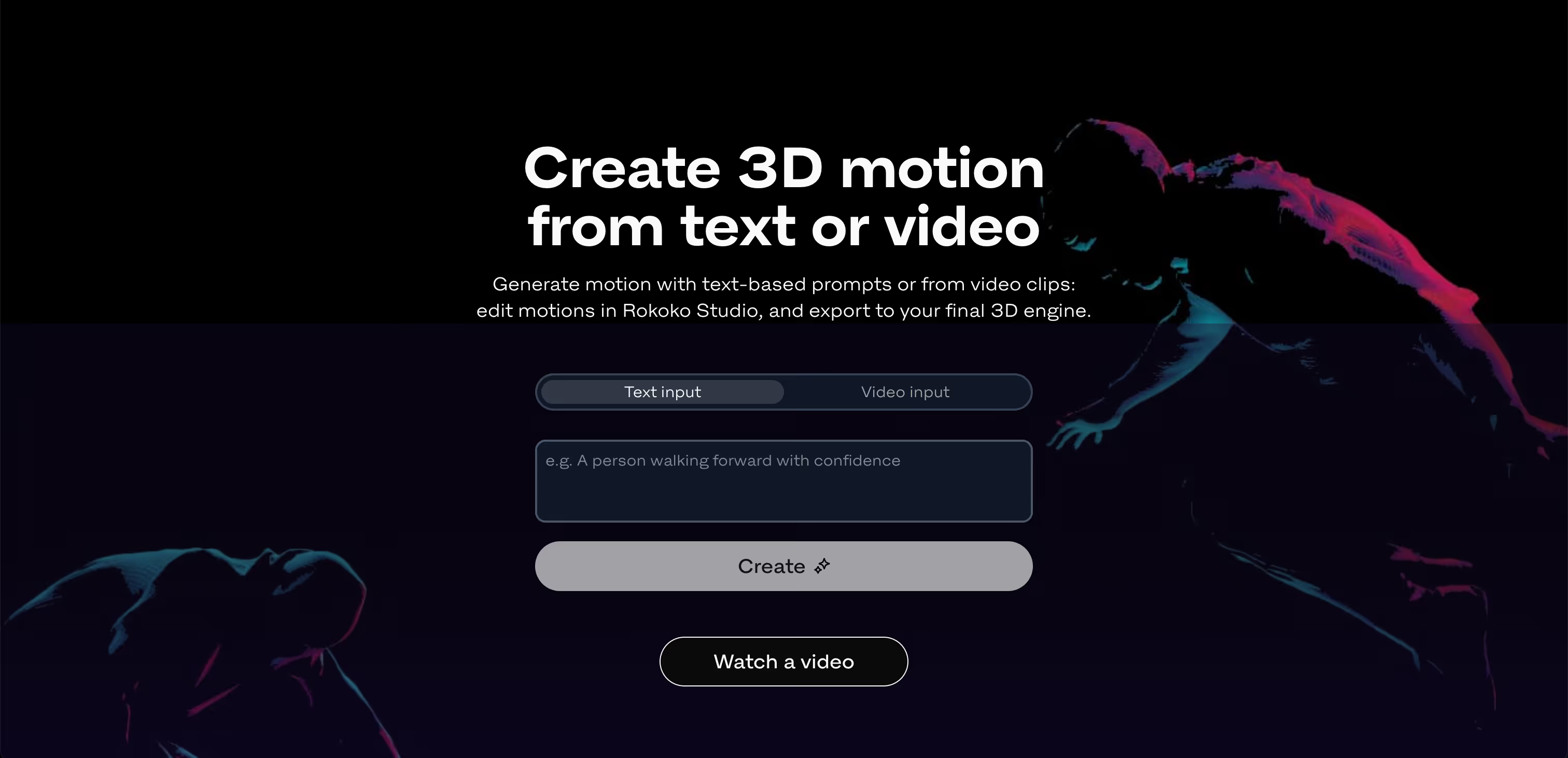

How to use Text-to-Motion
- Go to Rokoko Create web-app
- Generate motions with prompts
- Edit clips in Studio
- Export in custom formats
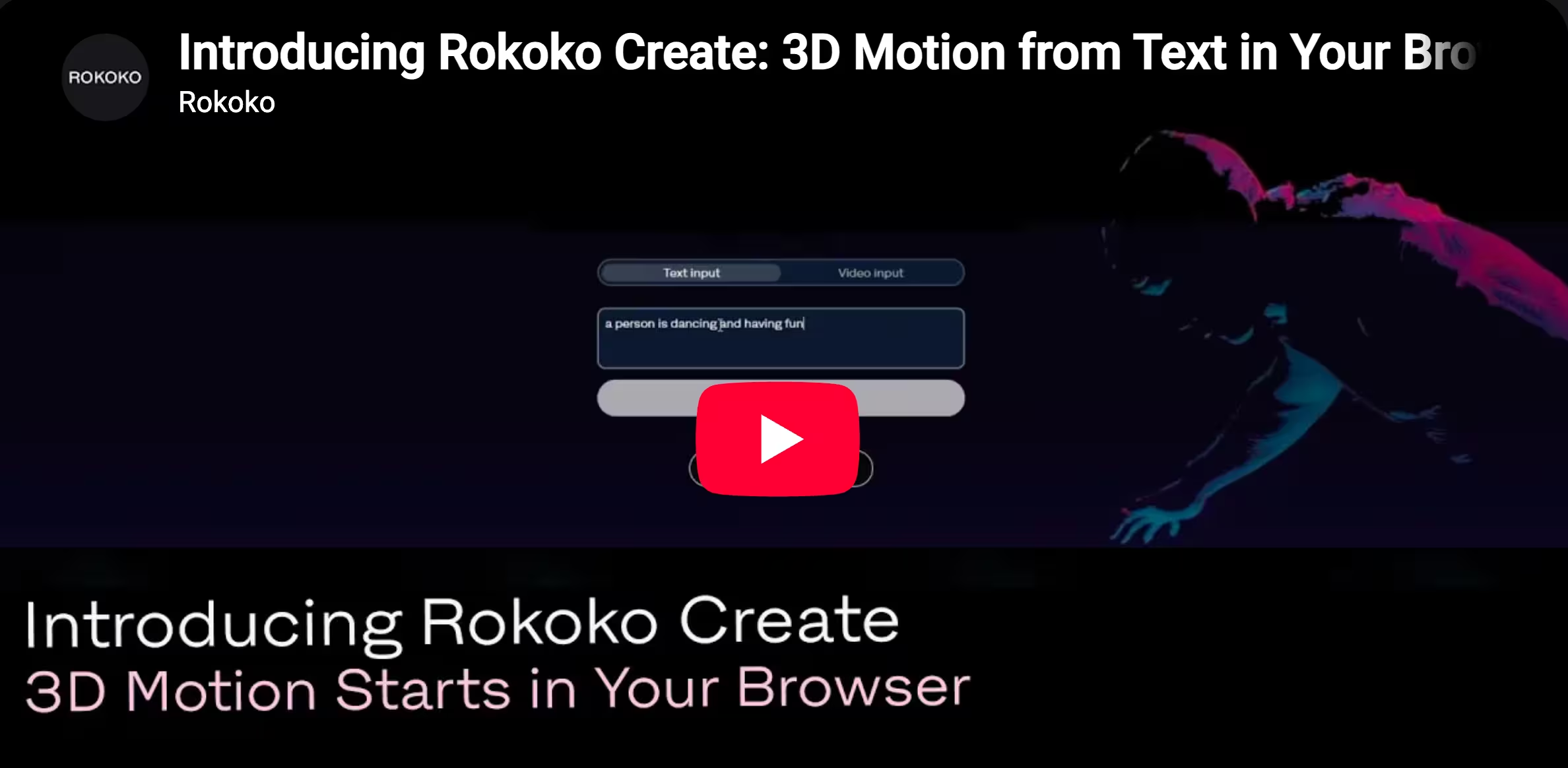
Please accept Statistical and Marketing cookies to watch this video.
Tutorial on how to get started with Text-to-Motion.
Your entry point to Rokoko mocap
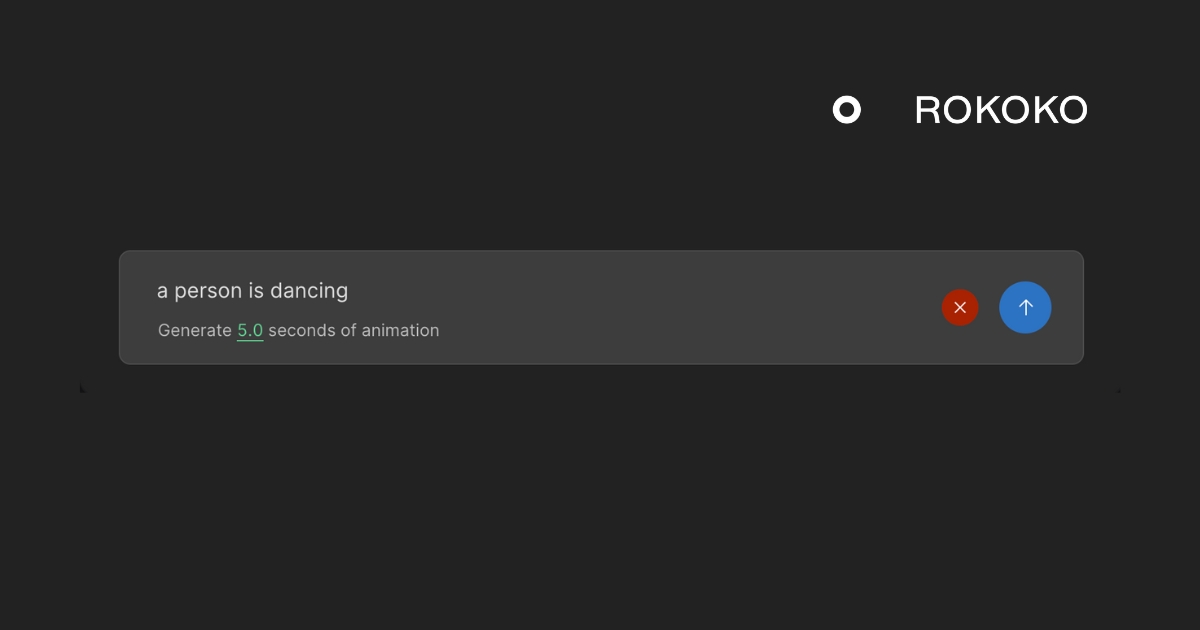
We have created Text-to-Motion for our users to have fun with a new way of generating motion clips. Give it a try and show us what cool stuff you'll create.
.jpg)
Frequently asked questions
Can't find what you're looking for? Shoot us an email at support@rokoko.com
How can I access Text-to-Motion?
Text-to-Motion is accessible to everyone on a web-based app called Rokoko Create and in Studio Preview. You can get started on Rokoko Create for free and upgrade to a paid plan if you exceed your limit of 5 clips added to Studio.
Studio Preview is currently available for users on trials or paid plans only, but will be opened up to more users at a later point.How does Text-to-Motion work?
Text-to-Motion uses Rokoko’s proprietary AI foundation model for human motion to generate novel motion data files that never existed before. The files are based on the world’s largest database of motion assets, but the model will always produce motions that are unique and not replicated directly from an existing asset.
How is the Text-to-Motion model made?
Our Text-to-Motion AI model is trained on millions of unique motion assets, paired with text descriptions. This foundation model learns a deep understanding of human motion, and is capable of transforming text prompts into unique human motions. The generated assets are all unique and different from any assets in the original dataset.
Can I use the generated motion clips commercially?
Yes, the assets you generate are available for commercial use just like assets from Rokoko’s other motion capture tools, following our Terms of Use.
What kind of motions can I create with Text-to-Motion?
In theory there are no limits to what you can ask the Text-to-Motion tool to generate. However, in this initial version, it will give you the best result if you stick with idles (standing, sitting, squatting etc.) or simple locomotion prompts like variations around walking etc. You can also get decent results with running and more dynamic motions, but it might require a few tries. As soon as you have a small part of an asset that looks good (like a few steps in a run), you can crop out that segment in Preview, smooth it if needed, and then turn it into a really cool run cycle with the loopable segments tool.
Book a personal demo
Schedule a free personal Zoom demo with our team, we'll show you how our mocap tools work and answer all your questions.
Product Specialists Francesco and Paulina host Zoom demos from the Copenhagen office


