Vision 3.0 Cleaner AI motion capture, faster results
Upload a video, get clean 3D motion faster than ever, and up to 10× more processing per dollar than the competition. Now inside Rokoko Create.
Get 30 seconds of processing per month for free
The new rebuilt Rokoko Vision AI is now part of Rokoko Create platform.
Rebuilt solver, cleaner output
A fundamental upgrade of Rokoko's AI motion capture pipeline. Cleaner captures, faster processing, and a workflow designed around how creators actually shoot.
Everything in one ecosystem
One ecosystem for every stage of motion creation: create motion from video or text, refine it in Rokoko Studio, and scale up to professional mocap suits and gloves when you need more precision.
10× more processing per dollar
10x processing speed and value for money compared to competitors. Iterate freely without rationing every take.
Vision AI is now part of Rokoko Create
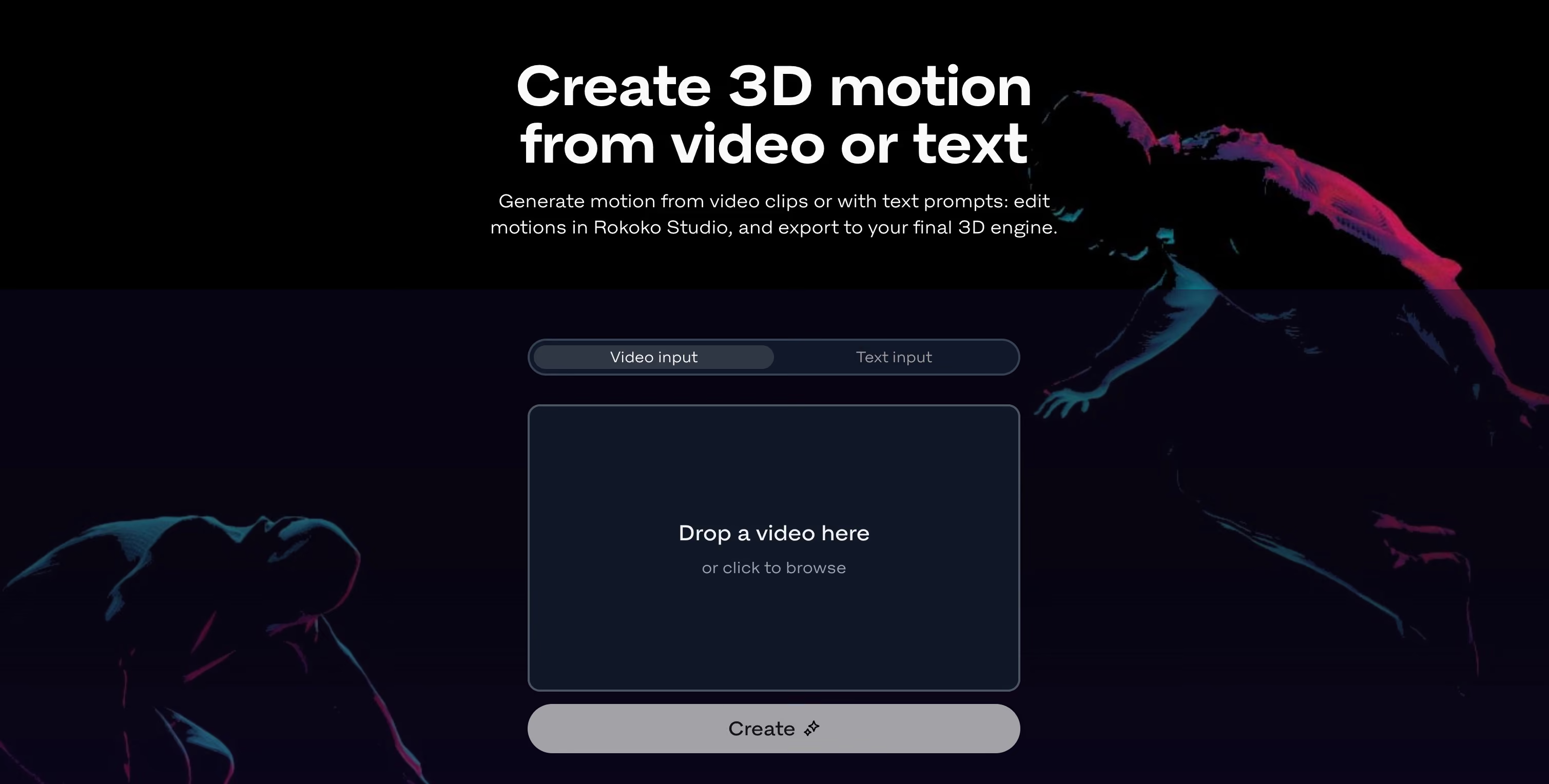
Vision 3.0 is part of Rokoko Create, a web-based AI motion creation platform. That means Video-to-Motion and Text-to-Motion now live in the same place, and all clips can be cleaned, edited, retargeted and much more in Rokoko Studio before final export.
Get 30 seconds of processing per month for free

Sam from Rokoko using Rokoko Vision AI to create some high quality animations on the fly
Accessible AI mocap
A simple 4-step process, start animating characters in minutes.
Get 30 seconds of processing per month for free
1. Prepare a video file
Record yourself with any camera or use any video file with a motion that you want to capture.
2. Upload your video
Drop your video file into Rokoko Create. The rebuilt AI solver processes it faster than ever.
3. Edit in Studio
Import your capture to Rokoko Studio to view, edit or loop the mocap data. Upload your own character for retargeting.
4. Export to .FBX or .BVH
Choose a skeleton (HIK, Mixamo etc.) and use the file directly in your 3D tool of choice (Blender, C4D, Unity, Unreal etc.).
Rokoko Studio plans & prices
Starter
Get started for free
free forever
What’s included:
- Record & export mocap
- Access to clean-up filters
- Export to .FBX
Rokoko Create:
- Vision AI video processing: 30s/month
- Text-to-motion clips: Unlimited
- Text-to-motion clips Studio imports: 5/month
- Cloud storage: 1 month
Most popular for Vision AI
Basic
Optimized for AI mocap
billed annually
All Starter features, plus:
- Import & retarget custom characters
- Export to .BVH
- Studio Preview: smoothing filter & loop segments
Rokoko Create:
- Vision AI video processing: 600s/month
- Text-to-motion clips: Unlimited
- Text-to-motion clips Studio imports: 100/month
- Cloud storage: Unlimited
Starter
Get started for free
free forever
What’s included:
- Record & export mocap
- Access to clean-up filters
- Export to .FBX
Rokoko Create:
- Vision AI video processing: 30s/month
- Text-to-motion clips: Unlimited
- Text-to-motion clips Studio imports: 5/month
- Cloud storage: 1 month
Most popular for Vision AI
Basic
Optimized for AI mocap
billed monthly
All Starter features, plus:
- Import & retarget custom characters
- Export to .BVH
- Studio Preview: smoothing filter & loop segments
Rokoko Create:
- Vision AI video processing: 600s/month
- Text-to-motion clips: Unlimited
- Text-to-motion clips Studio imports: 100/month
- Cloud storage: Unlimited
The most generous AI mocap plan on the market
Introducing the new Rokoko Vision AI 3.0
Faster data processing, better quality. Try it out for free.
Please accept Statistical and Marketing cookies to watch this video.
Frequently asked questions
Join our thriving Discord community to get answers to your questions and engage with other creators.
What is Rokoko Create and what’s new with Rokoko Vision AI?
Rokoko Vision 3.0 is a fundamental upgrade of Rokoko's AI motion capture pipeline. The monocular AI solver has been rebuilt from the ground up, producing much cleaner motion data than the original Vision. It now lives inside Rokoko Create, Rokoko's unified motion creation web browser-based platform, alongside Text-to-Motion. It's no longer a standalone tool - it's part of a full motion production workflow.
How does Vision 3.0 compare to competitors?
At the same monthly price, Rokoko gives you significantly more motion processing than competing tools. At $10/month, Rokoko Basic includes roughly four times the processing of QuickMagic and seven times Uthana. The value gap widens at higher tiers. Beyond raw volume, Vision 3.0 is part of Rokoko Create, which also includes Text-to-Motion, motion editing in Rokoko Studio, and storage - you're not paying for a single feature, you're getting a full motion creation platform.
What file formats does Vision 3.0 export, and which 3D software does it support?
You can export your motion data as .FBX or .BVH files from Rokoko Studio, compatible with all major skeletons including UE5 Manny, HIK and Mixamo. These files work directly in Blender, Unreal Engine, Unity, Cinema 4D, Maya, Houdini, MotionBuilder, and iClone.
Does Rokoko Vision 3.0 support finger tracking?
Not at launch. Finger tracking wasn't a frequently requested feature among Vision users, so the focus for 3.0 was motion quality, processing speed, and workflow simplicity. If the community wants finger tracking, it's something we can explore in a future update. For finger capture today, the Smartgloves II remain the most accurate solution in the Rokoko ecosystem.
What happened to webcam recording and dual-camera capture?
Both have been removed. For webcam live capture: more than 90% of Vision users were already recording their footage separately and uploading it as a video file, taking time to check framing, lighting, and performance before processing. Recording first produced better results, so we built around that workflow instead. The dual-camera feature is sunset approximately 30 days after the Vision 3.0 launch as the setup is still quite cumbersome, and the data quality of the new monocular solver is actually better than the dual-cam solution. Going forward, all AI motion capture in the Rokoko ecosystem happens through video upload inside Rokoko Create.
Why buy mocap tools, like the Smartsuit and Smartgloves, if I can use Rokoko Vision?
Rokoko Vision is a great entry point in the world of motion capture, as well as a handy tool for pre-visualisation. Even though its ease of use, low price point and data quality are very appealing, there will still be many situations where robust mocap tools like the Smartsuit Pro II, Smartgloves II and Face Capture are needed, for example:
- Data quality: especially for more complex motions, inertial mocap tools, like the Smartsuit Pro II, provide higher fidelity capture.
- Occlusion: Vision AI relies on a complete view of the performer to estimate the skeleton's position. This means that occluded limbs will translate in less good tracking capabilities, either because the performer is outside of the video frame or because the position of the body of the performer makes it more difficult for the AI to make an estimate.
- Real-time vs post-processed data: with AI motion capture, post processing is needed to generate the animation file, meaning it's very hard (unless you cut some big corners) to generate the animation in real-time. This is not an issue with Rokoko's inertial mocap tools: real-time integrations are supported for all major 3D software.
- Face and finger capture: even though video based face capture solution, like Rokoko Face Capture, are possible, this is not the case yet for finger tracking: a solution like the Smartgloves II is still needed.
- Tracking space: background and lighting are important to capture a clear video (and thus a good animation), as is distance to the camera. Inertial tracking can offer more flexibility in this regard as well (the tracking area is as big as the WiFi range of your router and lighting or other environmental factors are irrelevant).
- Multiple performer recordings: today, there are no convincing AI motion capture tools that can capture more than 1 performer in the same recording. With Rokoko's inertial mocap tools however, up to 5 performer's motions can be captured at once.


