The Solo Generalist: Tim Fox’s cheat sheet for fast, high-end mocap
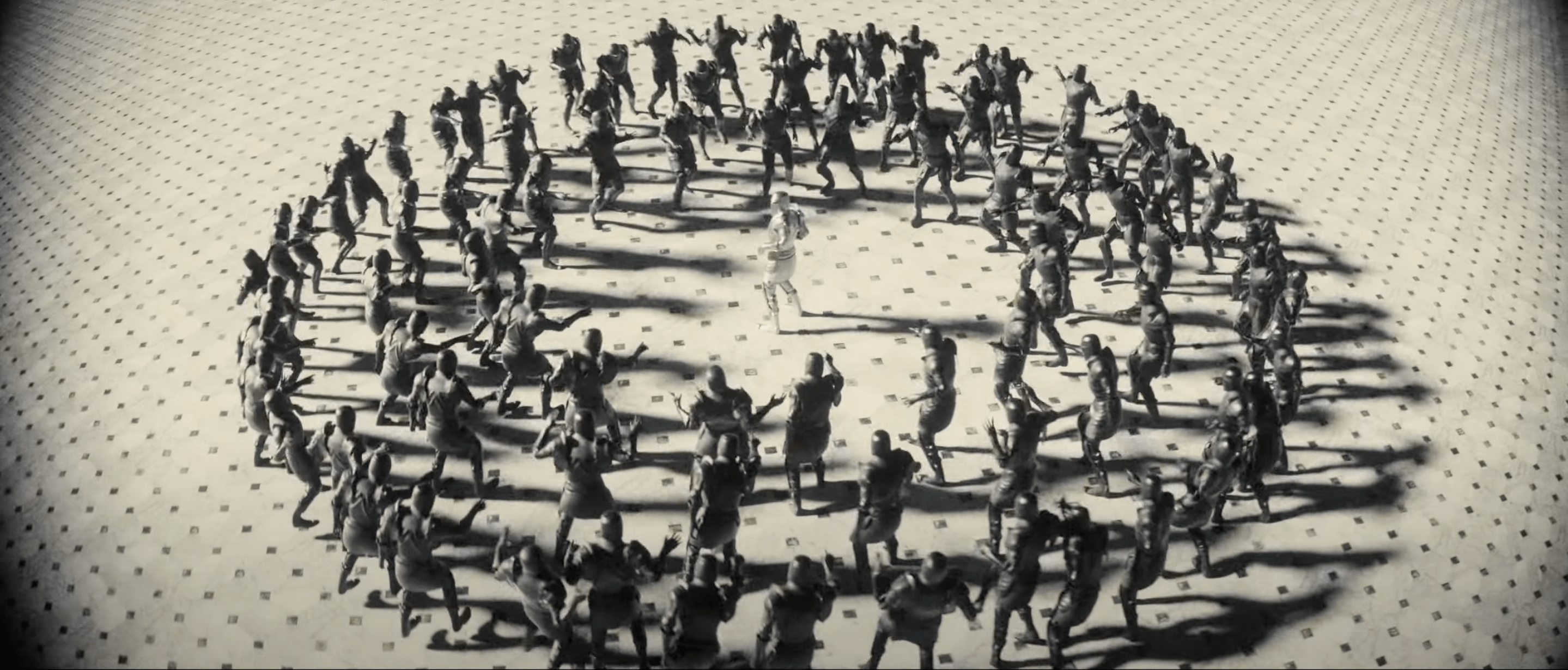
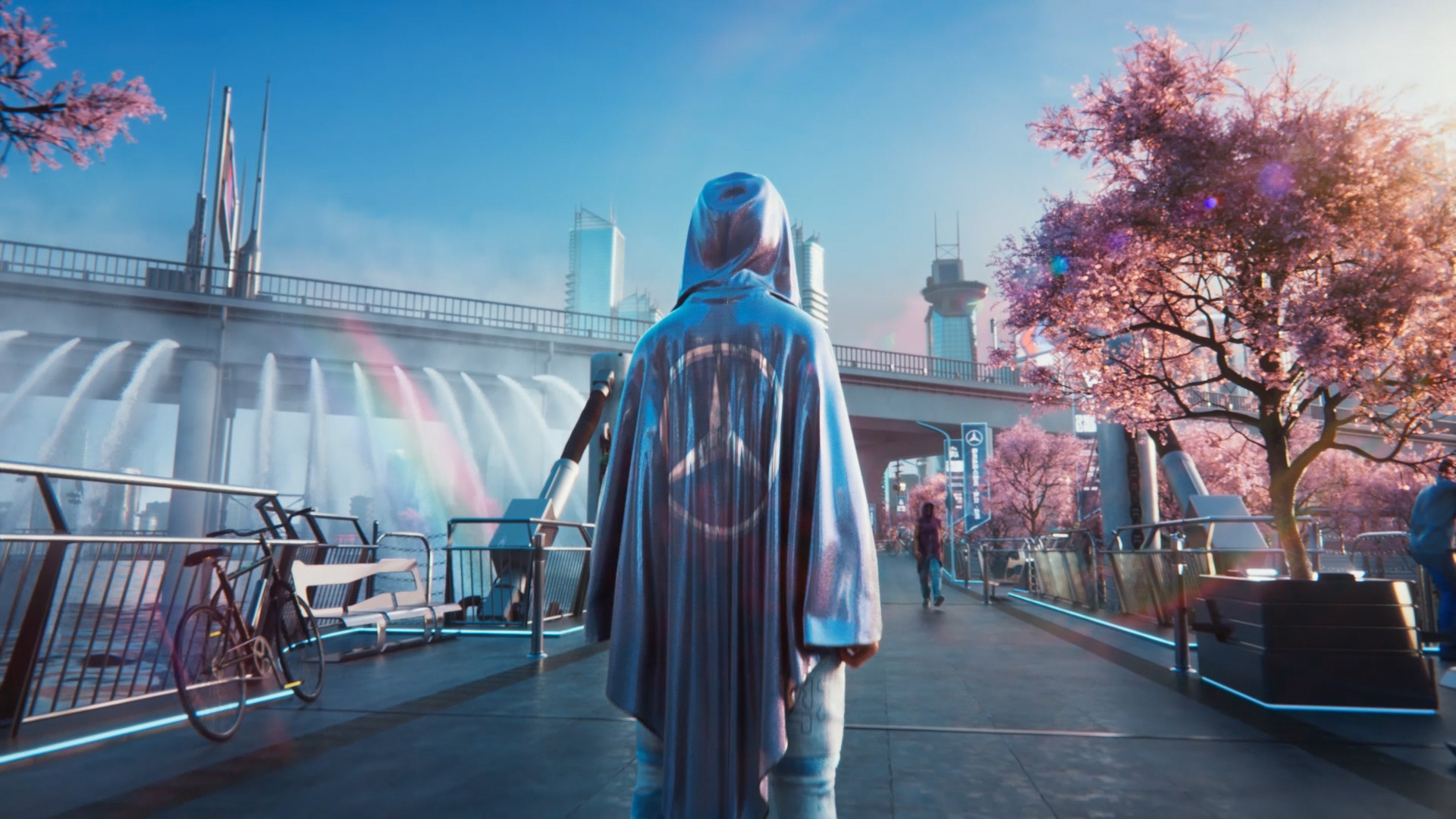
Animator Tim Fox has produced character animations for Coca Cola, Lil Wayne, and Mercedes - all using a workflow built around speed, resourcefulness, and knowing exactly where to cut corners. In the world of high-end VFX, there's a lingering myth: that to produce high quality work you need a 50-person department, a $200k optical stage, and six months of lead time. Tim proves the opposite.
He sat down with us to break down his "scrappy and fast" character pipeline, and explain why being a solo powerhouse is often faster (and better) than being a giant studio. Call it a cheat sheet, call it an animation manifesto, but the results of the workflow outlined below speak for themselves.
What is the "Solo Generalist"?
For Tim, the term ‘Solo Generalist’ encapsulates his entire approach to animation. An approach that was born out of necessity.
"I started out making album covers and animated music videos for local bands. Out of necessity, I had to be the DOP, art director, stylist, and of course, do all the VFX. A Solo Generalist is someone who is resourceful, proactive, and able to fill every gap in the workflow - or BE the entire workflow."
In an industry where budgets are tight and timelines are limiting, Tim argues that being able to "brief yourself" is the ultimate competitive advantage. While a big studio is stuck in email chains, the Solo Generalist is already halfway through their first mocap take.
The Tim Fox "Cheat Sheet"
If you want to move at Tim’s speed, you need a hardware and software chain that prioritises good results. Importantly, Tim doesn't always build everything from scratch - he kitbashes and captures.
Step One - Concept: Don't stare at a blank viewport. Use platforms like Pinterest for mood-boarding or tools like Photoshop and Illustrator to sketch out your silhouettes. Locking your visual direction early prevents a creative drift later. It doesn’t matter if you have the drawing capabilities of a five year old, it’s going to help you establish a concept you can run with.
Step Two - Model: Don’t waste days or weeks modeling a base mesh, buy one and customise it. Websites like CGTrader are great for this kind of thing, and base models can be found for as little as $5.
Step Three - Look: This is where you make a "purchased" asset your own. Use Substance Painter to add unique textures (scuffs, skin detail, grime) and Marvelous Designer to create realistic, flowing digital clothing. This "extra mile" is what separates indie work from professional-grade character design.
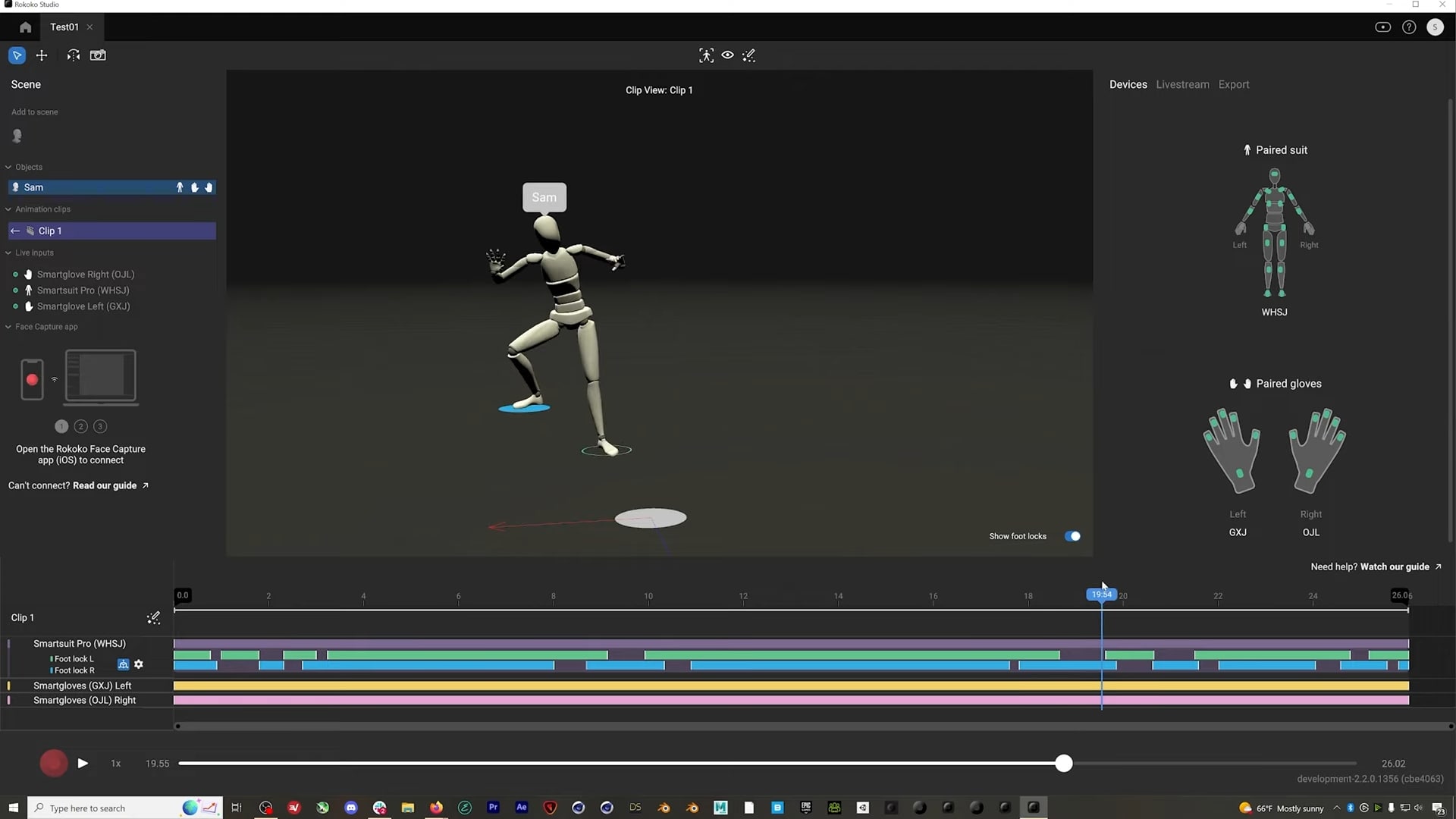
Step Four - Movement: Bring your character to life in minutes, not months. Use the Smartsuit Pro II and Smartgloves II to capture a physical performance.
Step Five - Retargeting: Using the available tools in Rokoko Studio Plus and Pro, import your character model and use Rokoko’s tools to apply the animation directly onto the character mesh.
Step Six - Finish: Export your animated character into a 3D suite like Cinema 4D. This is where you set the stage with lights and cameras. Finally, use Redshift - a high-speed GPU render engine - to calculate the final pixels. Redshift is Tim's choice because it's fast and clean, allowing you to see professional, cinematic results in a fraction of the time of traditional renderers.
Top tips for clean and professional mocap
One of the biggest hurdles for indie artists is clean-up anxiety - the fear that mocap data won't be perfect. Tim’s advice? Change your performance, not your keyframes. Here are his top tips:
Tip 1: The acting hack (slow down)
"I got into mocap because I wanted to capture the subtle movements of a person when they’re stood idle."
His biggest tip for better data? Slowing down.
"Unless you've hired a professional dancer, you are likely acting for yourself. You'll have a tendency to do your moves all at once. Pace your performance. You can work with and clean up slower takes, but you’ll never have the data if you’re doing it at lightning speed."
Tip 2: The 12fps "Spider-Verse" trick
Tim often works in a comic-book style, but this stylistic choice serves a dual purpose: it hides technical flaws. "I tend to switch the frame rate to 12fps for that stepped, stop-motion look. It masks any jerkiness or unrealistic movement, making it look purposeful."
Tip 3: The camera action hack
To make your Rokoko takes look like they came out of a triple A studio, Tim suggests focusing on camera actions such as:
- Intentionality: Every move should have a reason (crane shots, handheld, wide angles).
- Lenses: Use shallow depth of field or forced perspective to create scale.
- The Intangibles: Focus on story, pacing, and personality. These "cheap" fixes outweigh expensive tech every time.
How to define done
When you're working for A-list artists, the pressure to be perfect is high. It can be hard to know when to step away, hold up your hands and say, “finished.”
"I don’t like getting bogged down in tiny details that no one will ever notice. I think in terms of the audience: does the film communicate what I wanted? I instinctively feel when something is working, and if it gives me a little buzz, it’s ready."
That mindset is the real cheat code. The best workflow isn't about having the most expensive tools - it's about using tools like Rokoko to remove the friction between an idea and a final render. As Tim Fox proves, when you cut out the meetings and the "Out Of Office" delays, you're left with pure creativity. You can check out more of Tim’s brilliant work here.
Ready to start your own "Scrappy" project? Start with the Smartsuit Pro II here.
Already using Rokoko mocap tools? Check out some more great tips and tutorials on our YouTube channel.


.jpg)